How to add in my own email template

You can create and save your own email templates in the email composer and reuse them anytime for bulk emailing.
Steps to create an email template
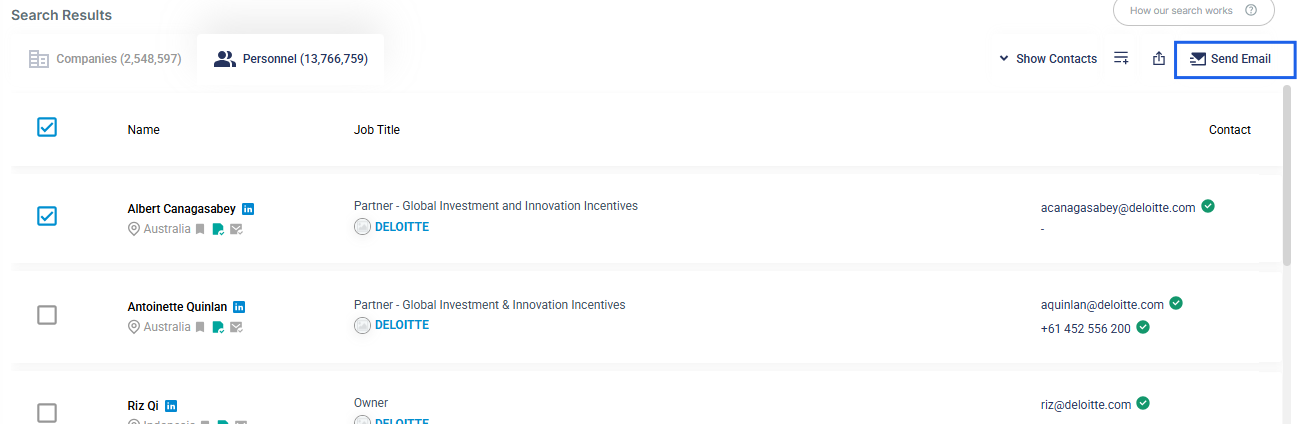
- Go to the Email Composer page by clicking Send Email. You will need to select a record first before clicking on Send Email.
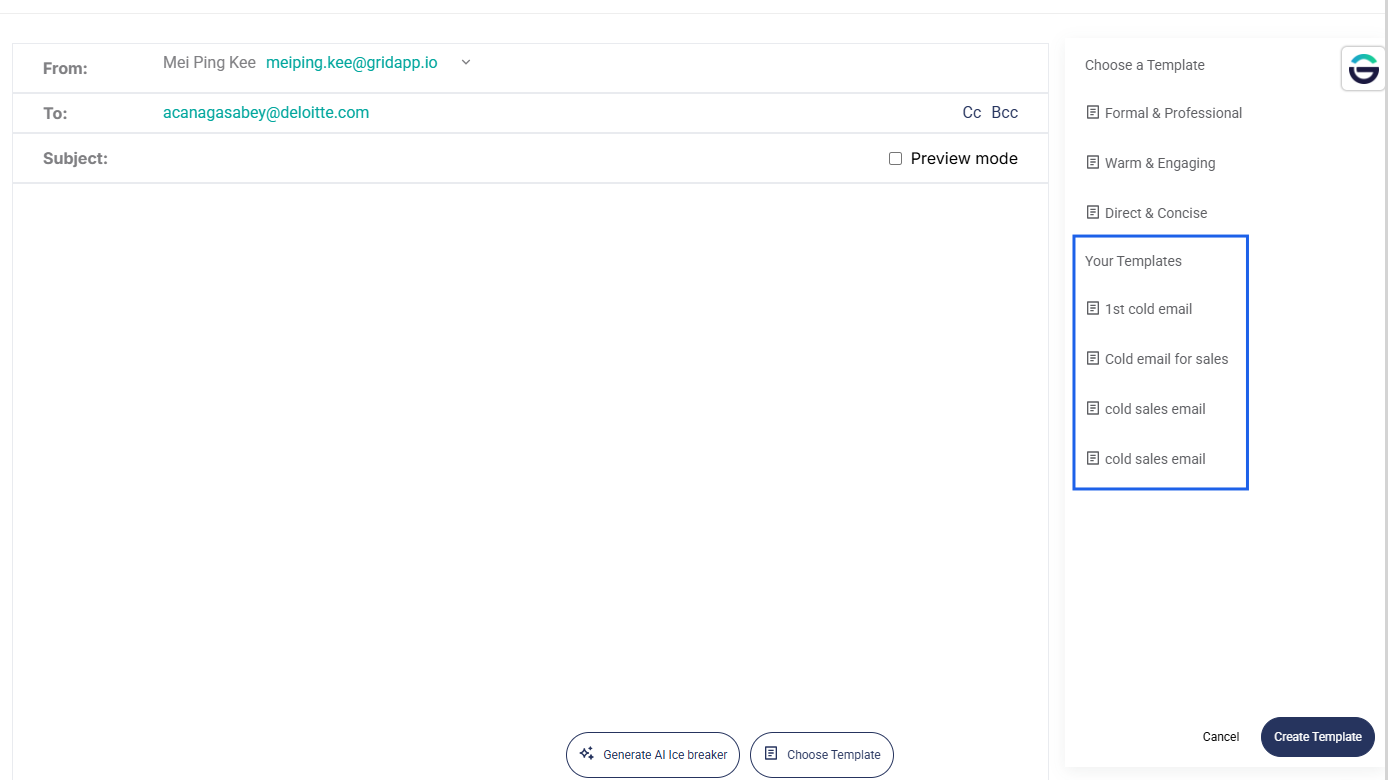
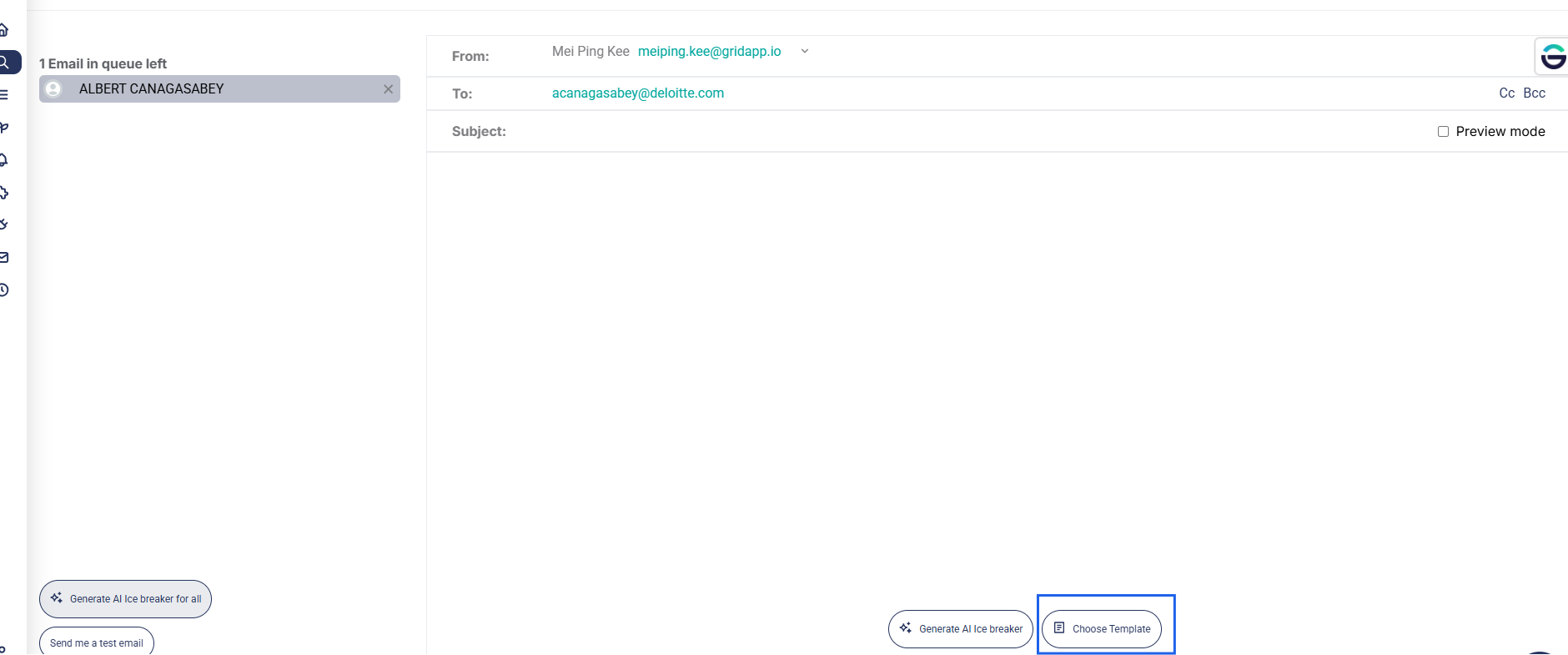
- Click Choose Template.
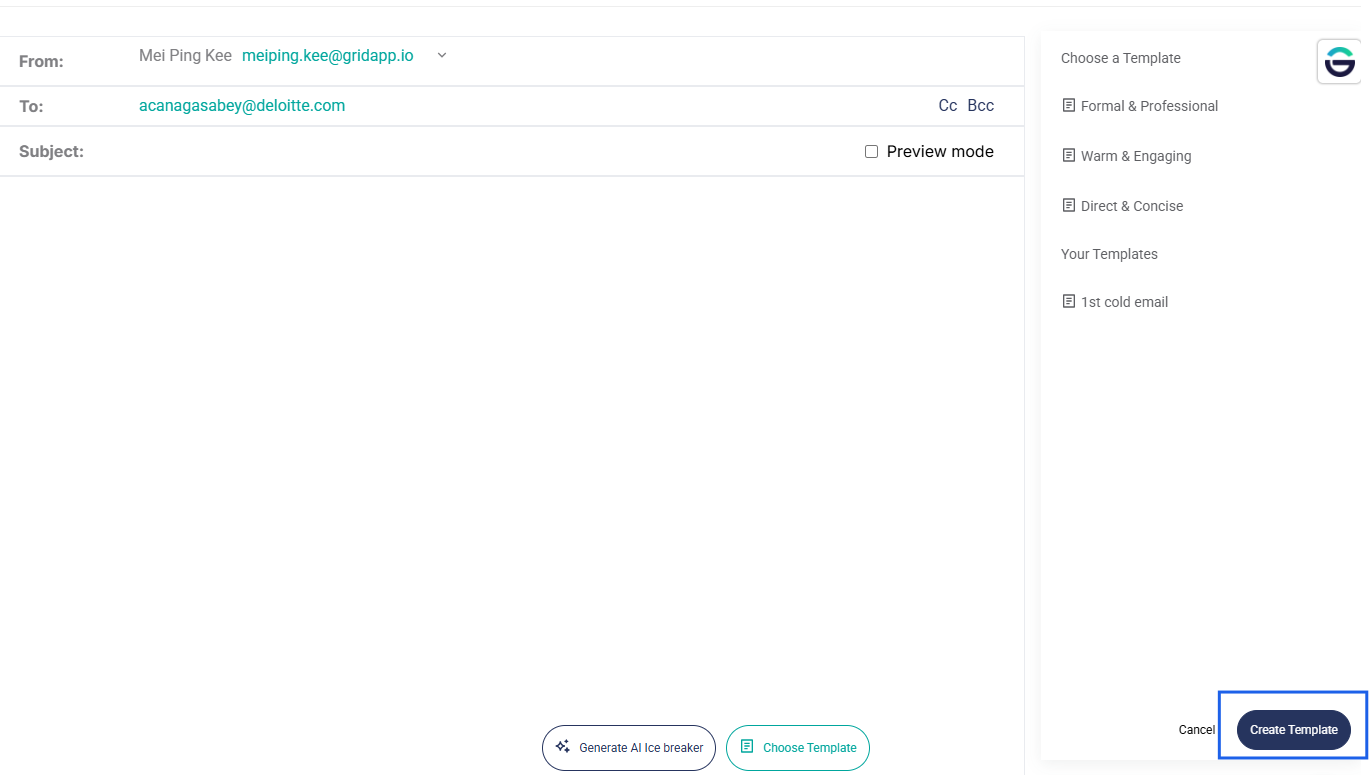
- Then, click Create Template.
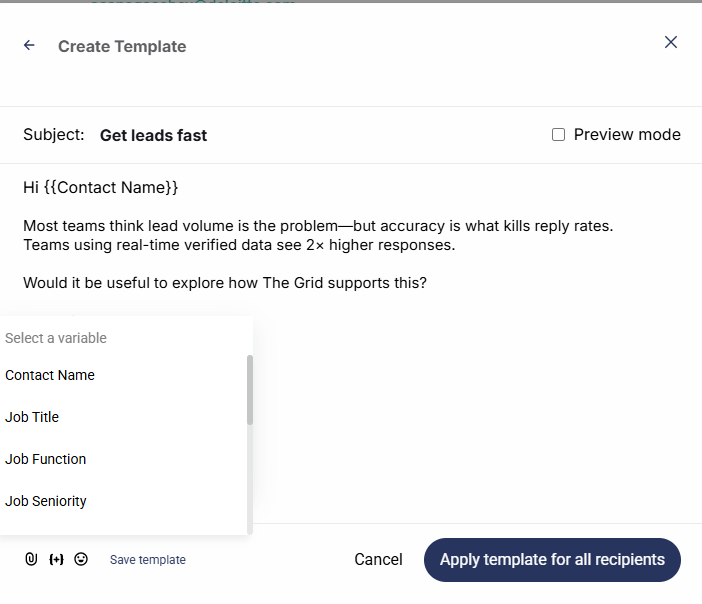
- Create your email template. You may add in variables such as contact name as well as inserting images.
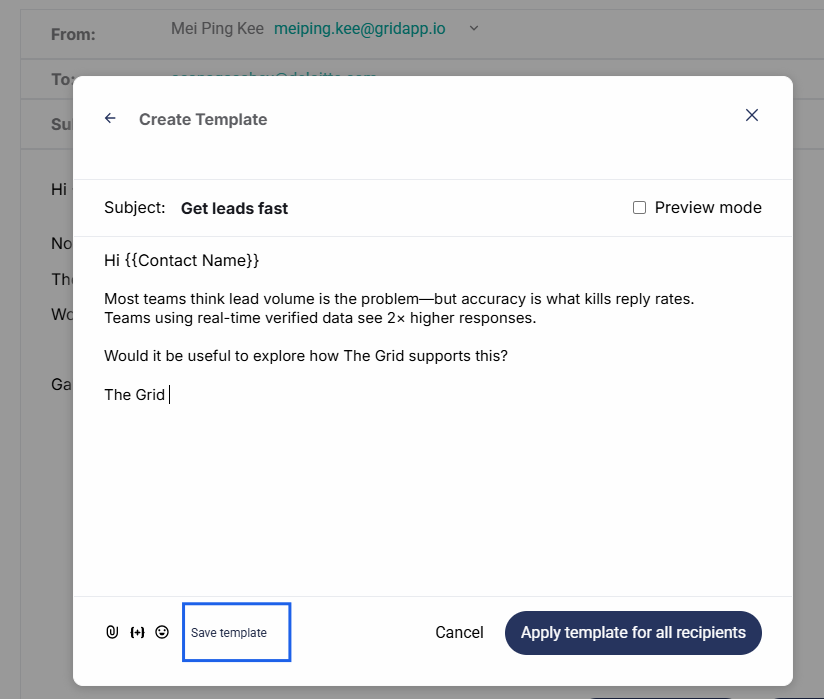
- Once completed, click Save to store the template.
Your saved templates will appear under Your Templates and can be applied anytime when sending emails.